How do I connect to my office Mac from home?
Connect to the NCSU VPN
The university requires that users who wish to connect to on-campus machines from off-campus to first connect to the campus VPN (Virtual Private Network).
To do so, simply download and install the Cisco AnyConnect VPN client from the NCSU VPN website, https://ncsu.service-now.com/sp?sys_kb_id=4aa24a5883612618a35714326daad398&id=kb_article_view. The site also includes installation, setup, and connection instructions.
Once you have successfully connected the NC State VPN, proceed to connect to your remote computer.
To Establish a Remote Desktop Connection
You'll need to get the RealVNC Viewer. Once you have the application installed, launch it by going to Start → RealVNC, and clicking VNC Viewer.
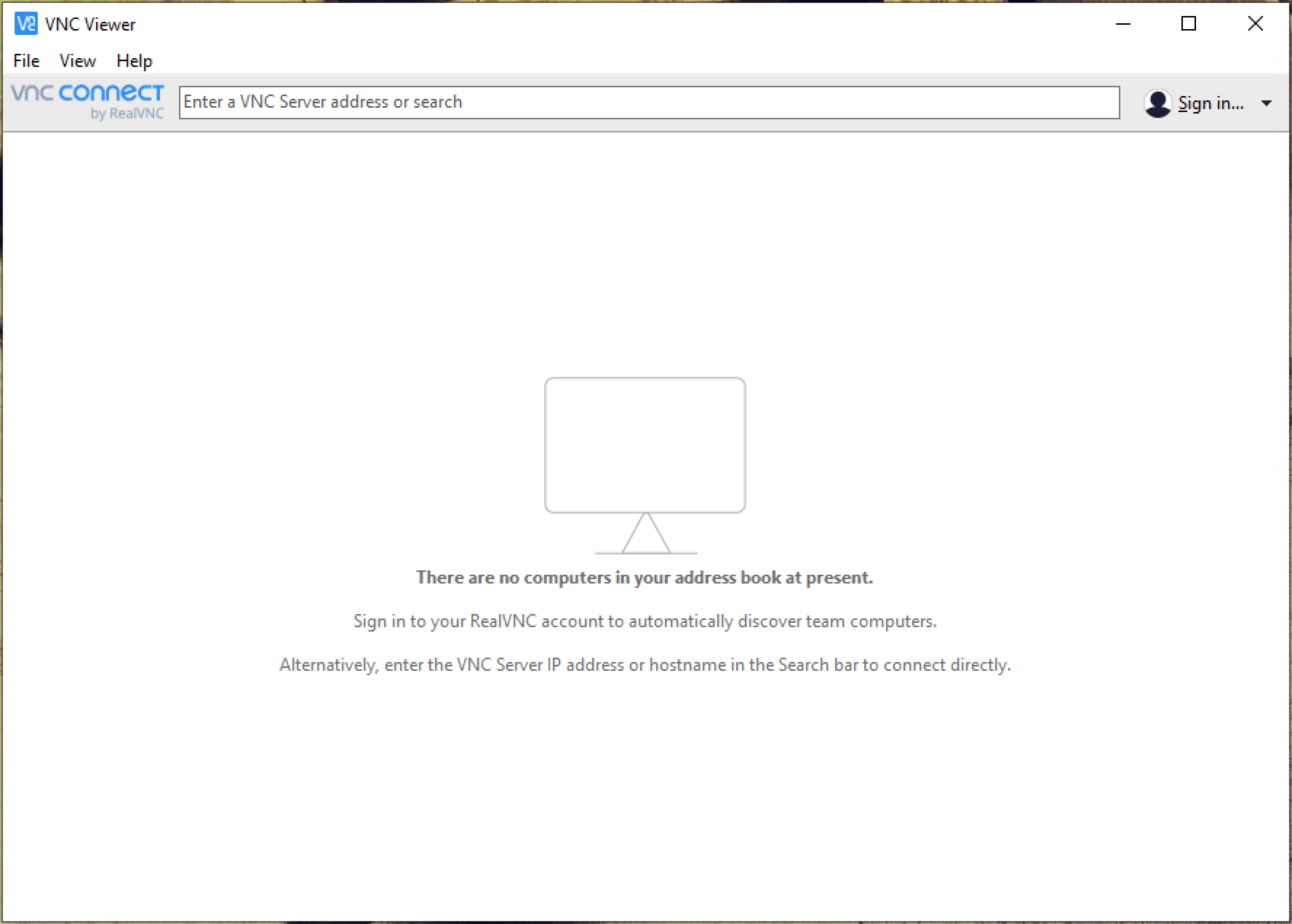
Enter your computer's name or IP address where it says "Enter a VNC Server address or search"
Your Computer's name:
(View this page on your office computer to get the appropriate name)